PORT FORWARDING YOUR ROUTER
Firstly find your routers IP address to login: –
- SKY – 192.168.0.1 OR 192.168.1.0 (usually)
- Virgin – 192.168.0.1 OR 192.168.1.0 (usually)
- BT – 192.168.1.254
Add this ip address into your browser and the routers main login page will show.
The username and password is usually printed on the bottom of the router.
You may need to set a static IP address as when the Helium Miner reboots or the router restarts it may give the Helium Miner a different IP address and this may then not be port forwarded. You will see the yellow relayed button again on the dashboard of the Helium Explorer.Helium says: –
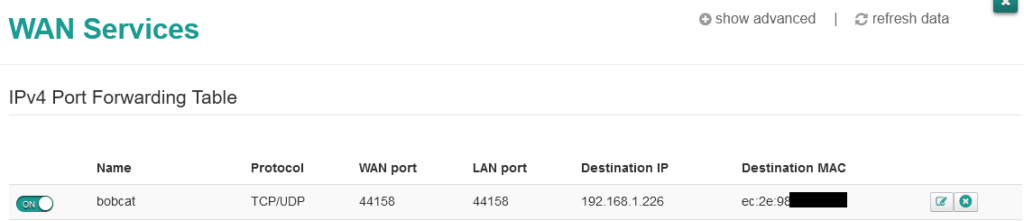
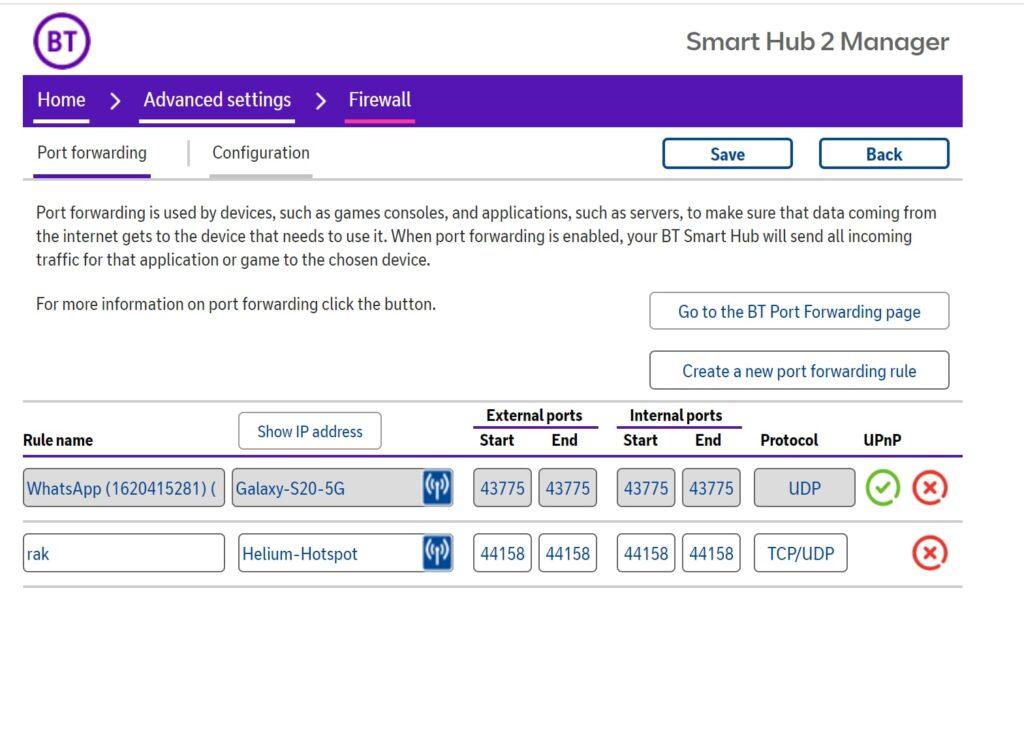
We recommend enabling TCP Ports 44158 in both directions in your modem. Check your Router’s manufacturing instructions on how to open ports 44158. For support and firmware updates, we will need ports 22 and 443 open Outbound.
You only need to open port 44158, the others should work as they are outbound only.

I had then to unblock port 44158 on my router so it can communicate to the main server. If you don’t, you will see the following symbol and amber colour.
Using Virgin Media Router’s GUI was straight forward. The port check was instant, not cached. It unblocked on refresh of the check.
Go to your router by typing 192.168.1.0 or 192.168.1.1 (Virgin, Sky & SSE) or 192.168.1.254(BT) depending on your router. Quick tip, look under your router!
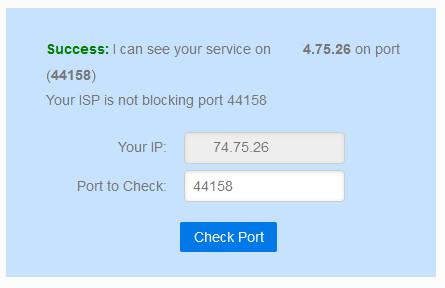
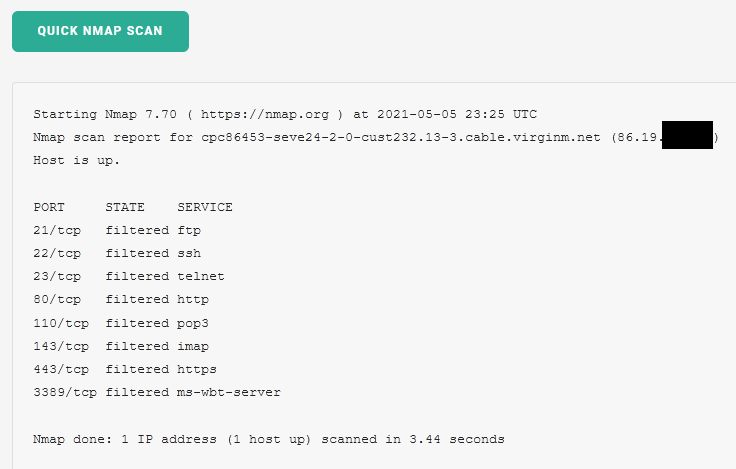
Ports may take up to 1 minute to unblock. No reboot is needed.Try doing an NMAP scan
https://hackertarget.com/nmap-online-port-scanner/
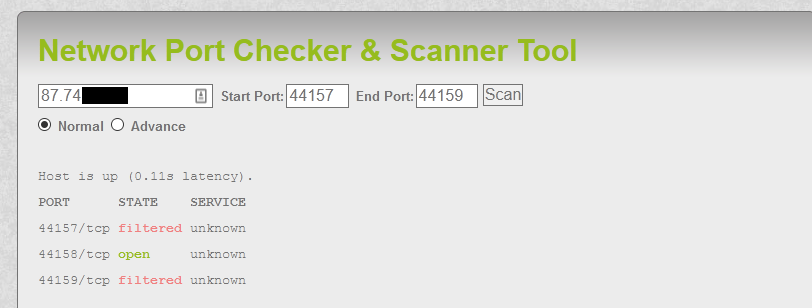
Find open ports: – ipfingerprints.com
You will see that 44158 is correctly open.
PORT FORWARDING A SSE ROUTER
See this PDF: – Port forwarding on TG589vac (SSE Broadband)
PORT FORWARDING A SKY HUB
Follow this Sky Hub Port Forwarding GuideQuick tip: – Sky Boxes usually have a default security username and passwords set.
Username: Admin
Password: SkyPlay Video
PORT FORWARDING A VIRGIN HUB
Follow this Virgin Media Hub 3.0 Port Forwarding GuideAlthough the video below is good, use this guide.
https://helium.nebra.com/handy-guides/port-forwarding/vm-superhub-v3Play VideoRak miners may be automatic, UPNP could set automatically the ports to be forwarded.
Check this first.
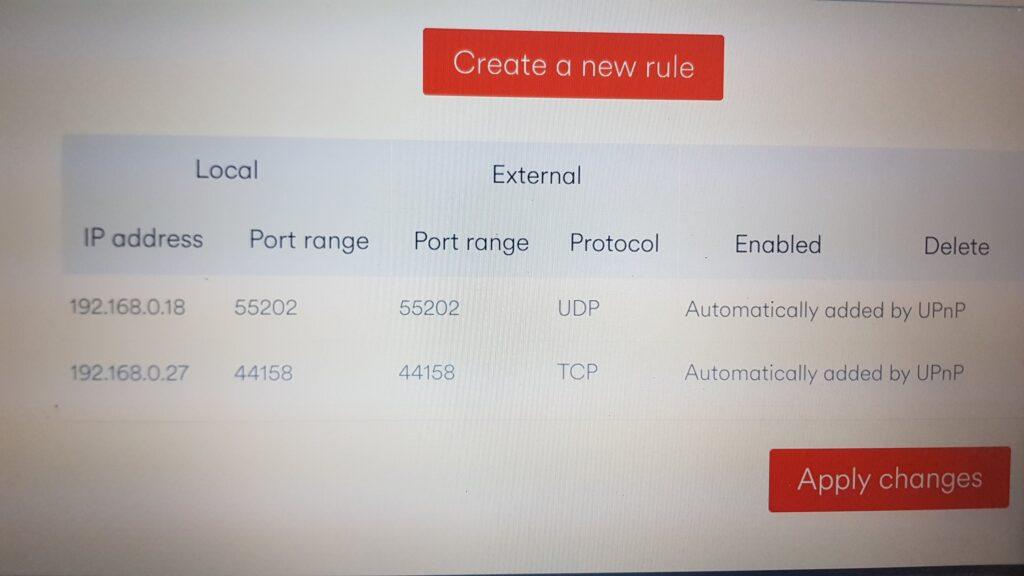
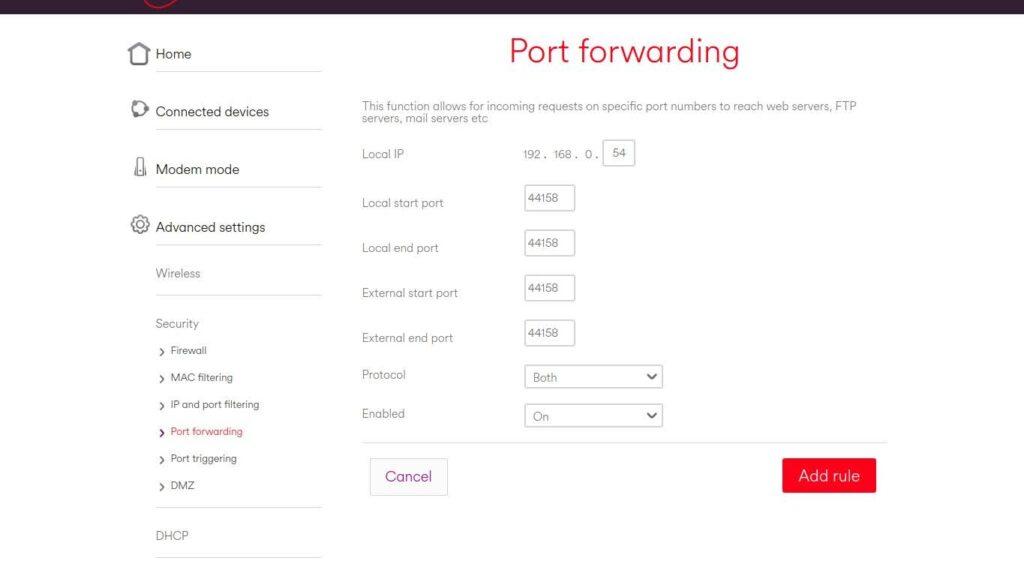
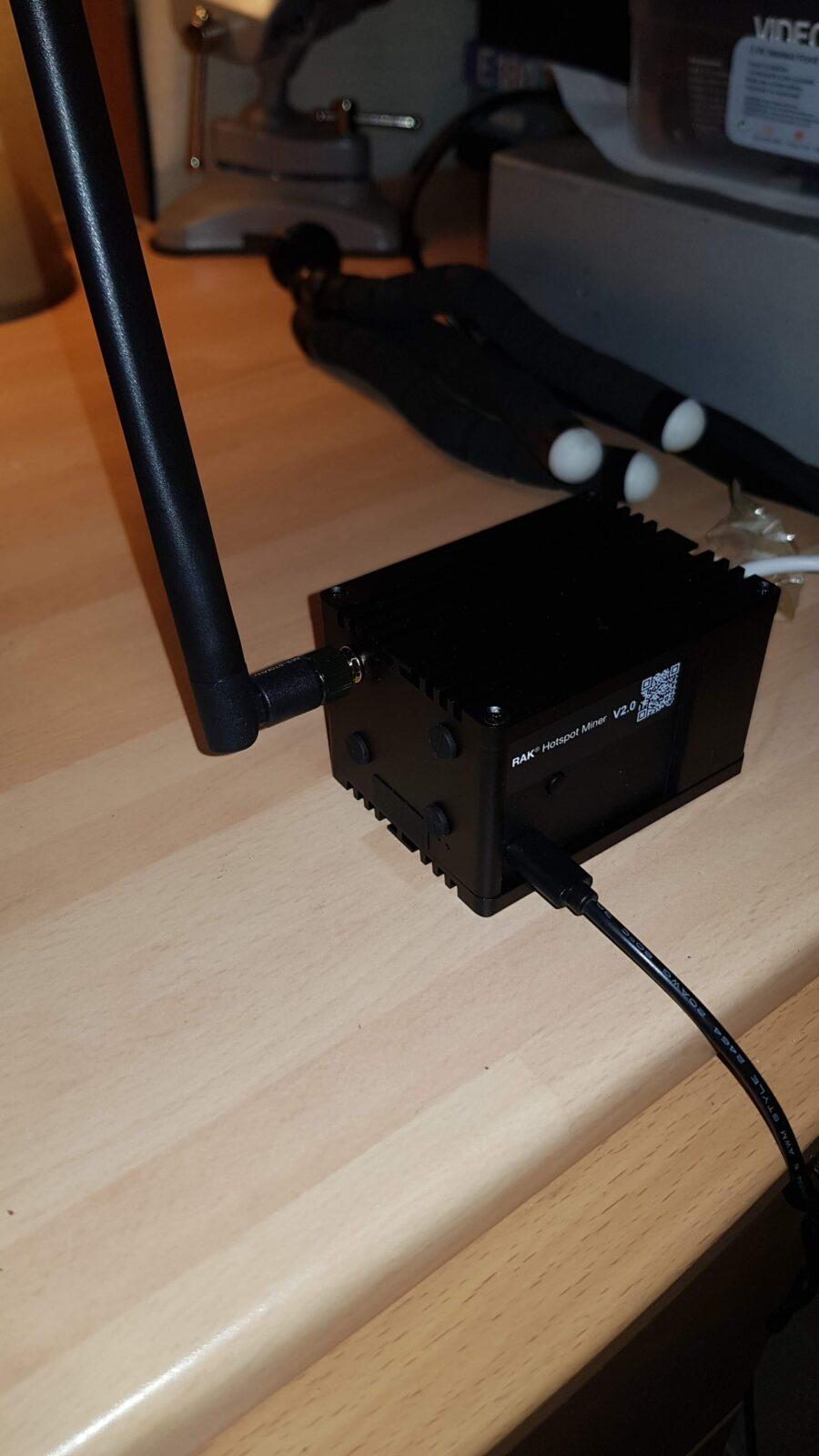
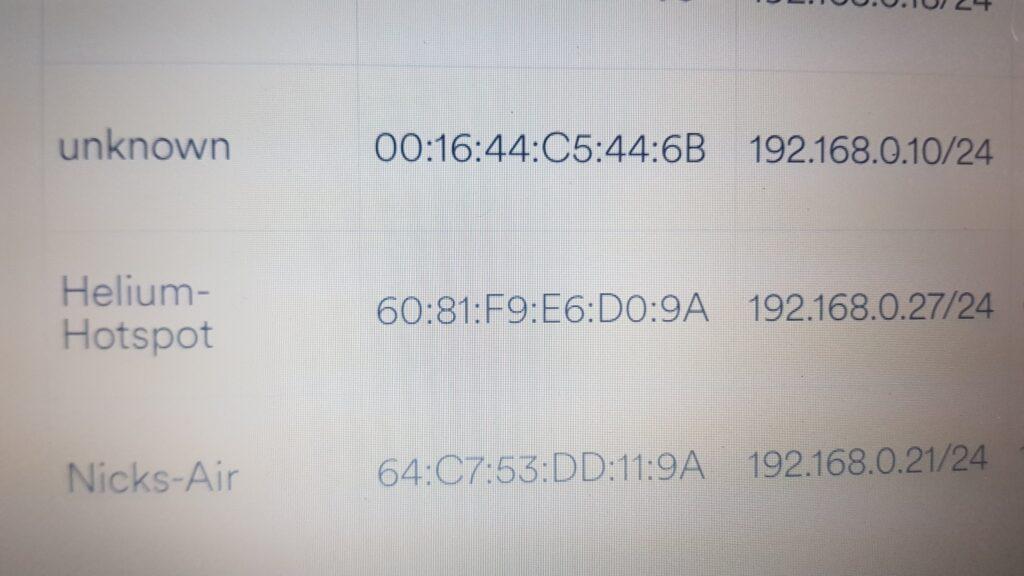
When I tried to port forward this Virgin Router it had already been enabled. I was installing a Rak Miner V2. The Rak will make a UPNP connection automatically, if UPNP is enabled. Therefore it will do the port forwarding for you. If you change the Helium Miner for another make or want to delete the UPNP you may have to reboot the router after disabling it.The router identifies the Rak Miner V2 as a “Helium Hotspot”
PORT FORWARDING A BT ROUTER

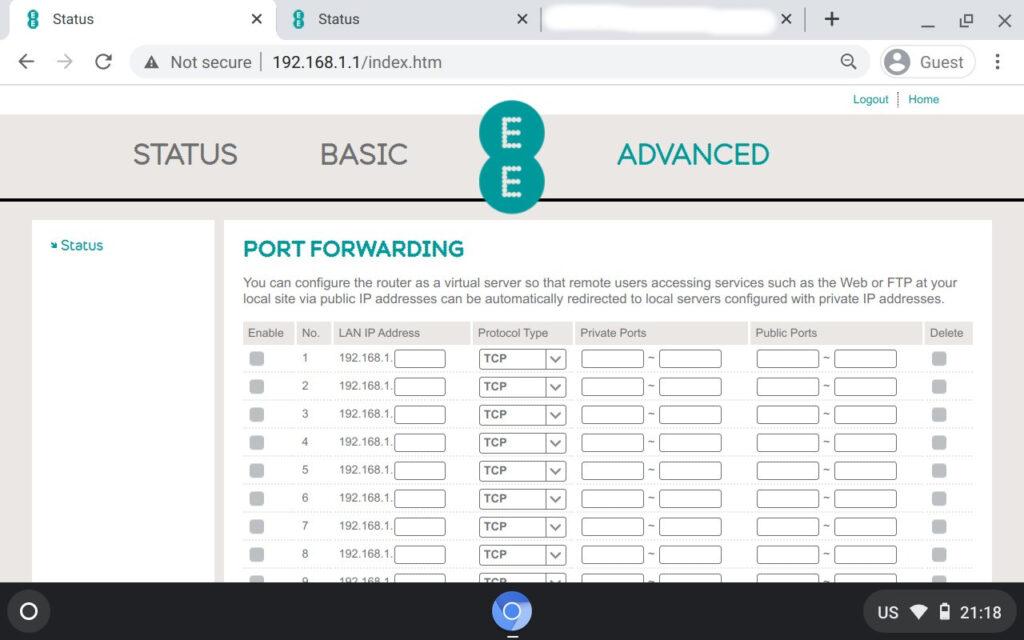
PORT FORWARDING AN EE ROUTER
Login was 192.168.1.1 (but can be different).
Look for the connected device ip address and Mac address.
It shows a Helium Hotspot (Rak)
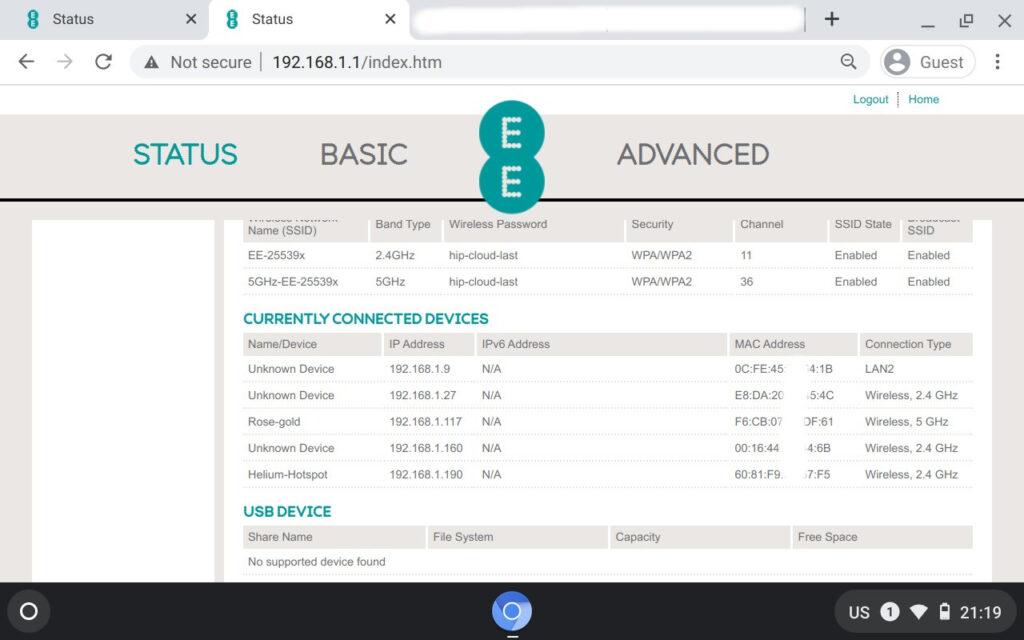
You can then port forward.
PORT FORWARDING A TALK TALK ROUTER
There may be many Talk Talk routers, but the one I came across was this: –
TP-Link TD-W8960N Router Port Forwarding Guide
SYNCING THE MINER WITH THE BLOCKCHAIN
Once I had joined, I saw the name I was given. I was Helium Hotspot number 32291 (I think!). This has now taken 3 days and this is not normal? Most people report 24-48 hours at most. It is now 78+ hrs.
The first one went online and fully synced (3 days 6 hours later). The others are close behind.
Experience Points
The inconsistency between the Helium coverage map website and the Helium App can be very different.
When it says its syncing on one the other may be fine, and vice versa. Wait 30 mins before doing anything.
To get the latest info make sure you fully refresh the browser and close the app
FACT 1: Yes it does go off and on quite a few times.
FACT 2: Hotspots still earn even if they are syncing. (Only after first sync)
RAK V2 SYNCING PROBLEM
I had problems with a Rak V2 miner. It would not sync.
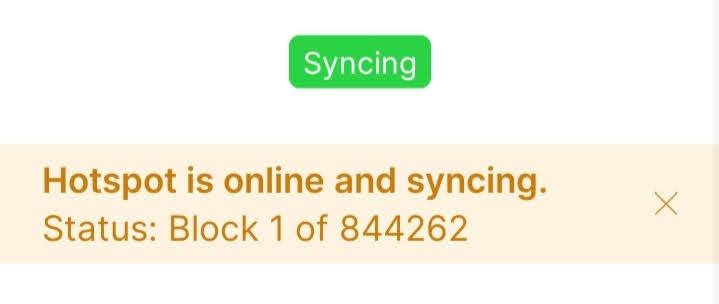
Five days, eight reboots later if finally worked. I had tried everything. Eventually it started syncing.
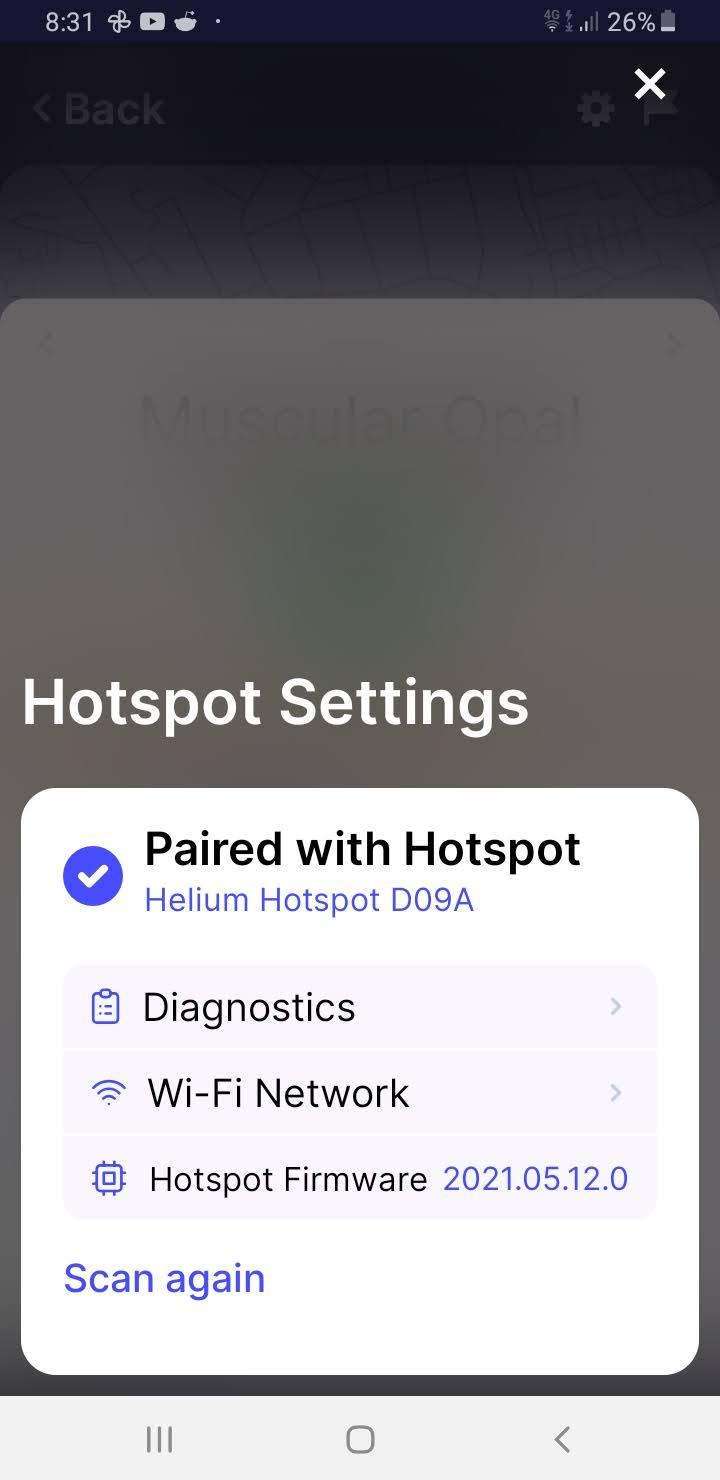
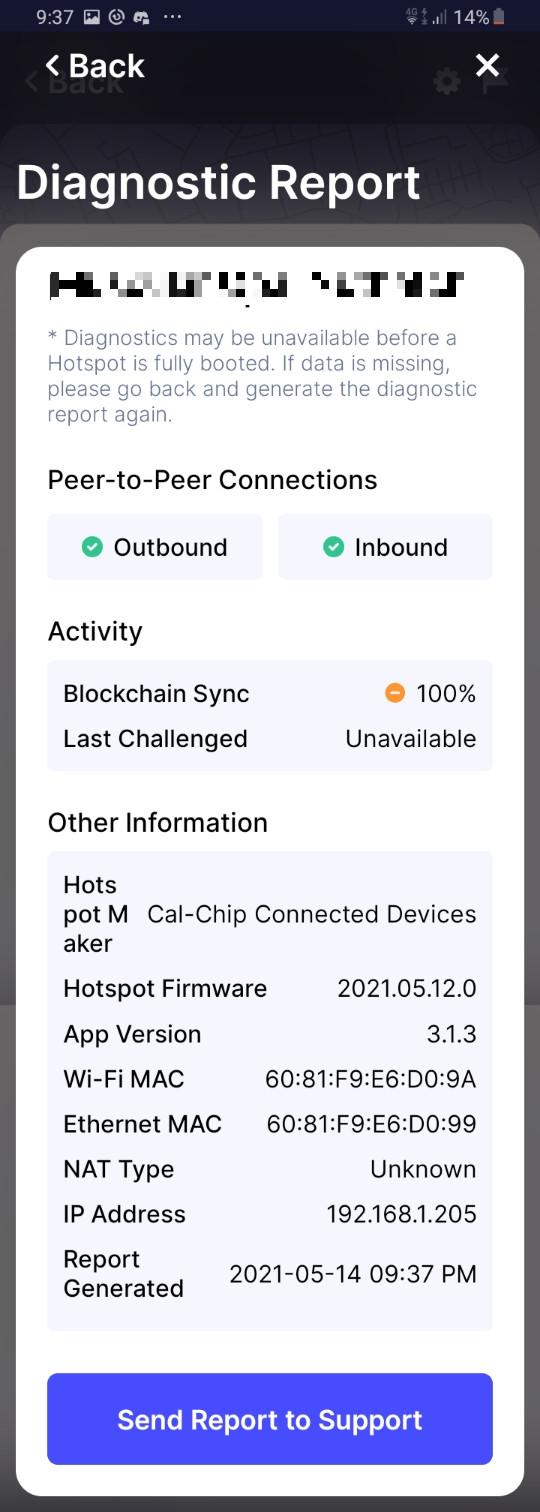
I ran a diagnostic report using the Helium App v3.1.3
Remember, if your using a Rak V2, press the side button to instantly turn on Bluetooth and connect then pair and run the diagnostic.